
For most Singapore home offices, the best monitor is not just the biggest screen you can afford. A good home office monitor should fit your desk, connect cleanly to your laptop, have clear warranty terms, and make daily work easier.
This comparison focuses on practical monitor picks for Singapore buyers, including QHD, 4K, USB-C, warranty clarity, marketplace availability, and whether a listing is likely to be worth checking on Amazon.sg, Shopee, Lazada, or the brand’s own store.
Quick comparison
Start with screen size, resolution, USB-C support, adjustability, and seller reliability. A 27-inch QHD monitor is the safest starting point for most HDB desks, while 4K makes more sense if you care about sharper text, creative work, or MacBook scaling.
| Pick | Best for | Why it stands out | Watch out for |
|---|---|---|---|
| 1 | Dell UltraSharp U2724DE | Strong office feature set with QHD, Thunderbolt, USB hub, and Ethernet | More expensive than basic 27-inch QHD monitors |
| 2 | ASUS ProArt PA278CV | Good fit for creative users who want colour accuracy and USB-C | Check current Singapore pricing before deciding |
| 3 | BenQ GW2790QT | Useful for long work sessions, video calls, and eye-care focused setups | 75 Hz is fine for work, but not a gaming-first choice |
| 4 | LG 27UP850N-W | 4K IPS option with USB-C and colour-focused features | 4K may be overkill if you mainly use spreadsheets and browser tabs |
Best overall: Dell UltraSharp U2724DE
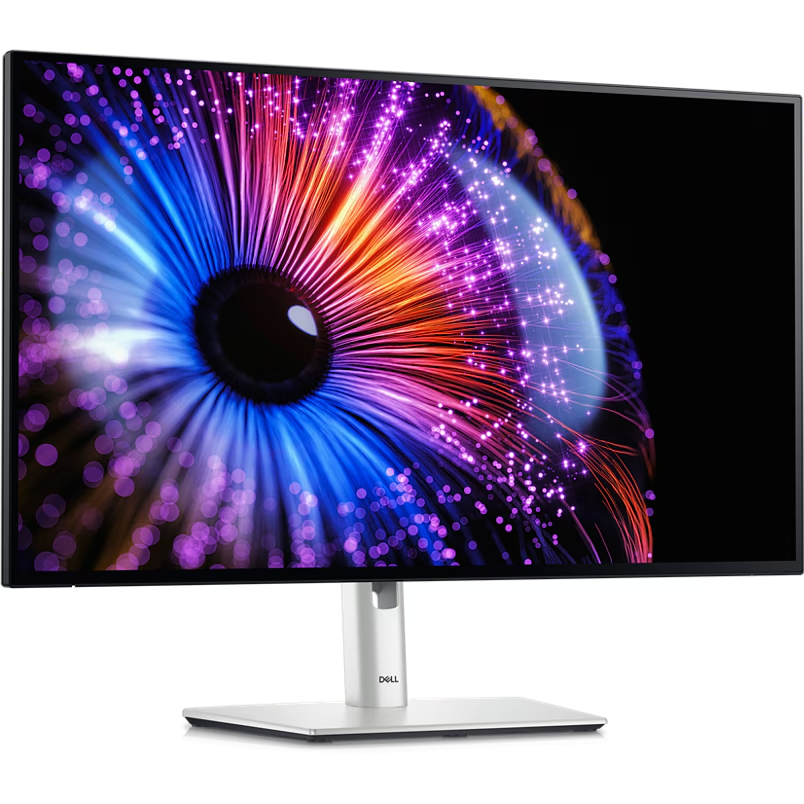
Home office users who want one clean monitor setup for a laptop, especially if USB-C, Ethernet, and desk cable management matter.
The Dell UltraSharp U2724DE is the strongest all-round option here because it combines a 27-inch QHD panel with Thunderbolt 4, USB hub features, Ethernet, strong adjustability, and a practical office-first design.
- Strong all-round office feature set
- Useful USB hub and Ethernet
- Good adjustability for long work sessions
- More expensive than basic QHD monitors
- Overkill if you only need a simple second screen
Best for creators: ASUS ProArt PA278CV
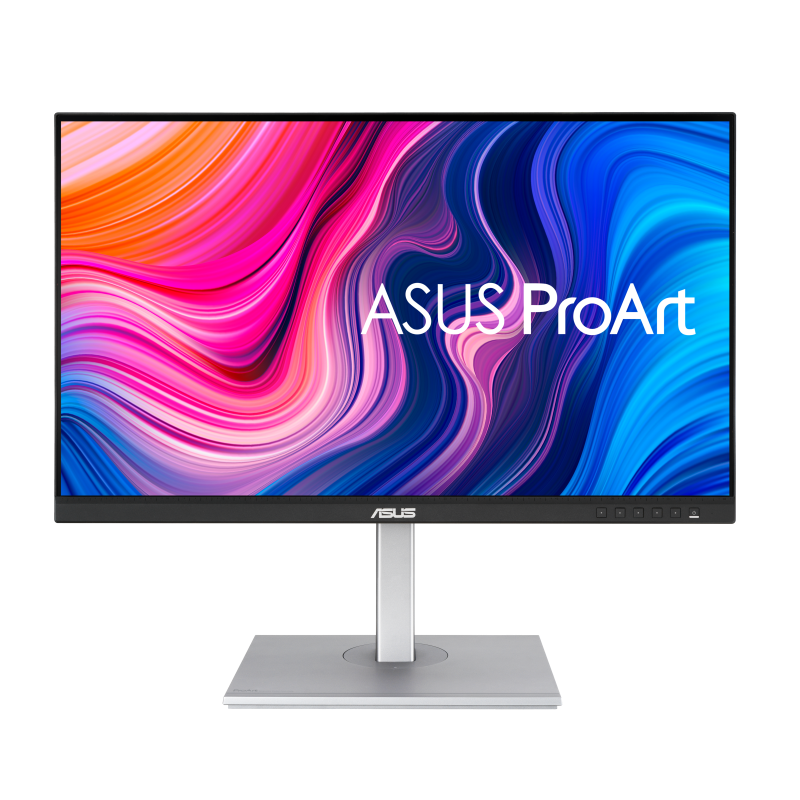
Designers, photo editors, content creators, and MacBook users who want a more colour-aware home office monitor.
The ASUS ProArt PA278CV makes sense if you care about colour accuracy, photo editing, design work, or a cleaner USB-C laptop setup. It is more creator-focused than a basic office monitor.
- Good fit for design and creative work
- Useful USB-C connectivity
- Stronger colour focus than basic office monitors
- Not the cheapest 27-inch QHD option
- Current local pricing can vary by seller
Best for long work sessions: BenQ GW2790QT
Hybrid workers, students, and home office users who want comfort features and simple video-call usefulness more than gaming specs.
The BenQ GW2790QT is interesting for people who spend long hours at the desk and want eye-care features, USB-C, built-in speakers, and a microphone setup for everyday calls.
- Useful for long desk sessions
- Built-in call-focused features
- Clean home office design
- Not a gaming-first monitor
- Check current pricing against Dell and ASUS options
Best 4K option: LG 27UP850N-W
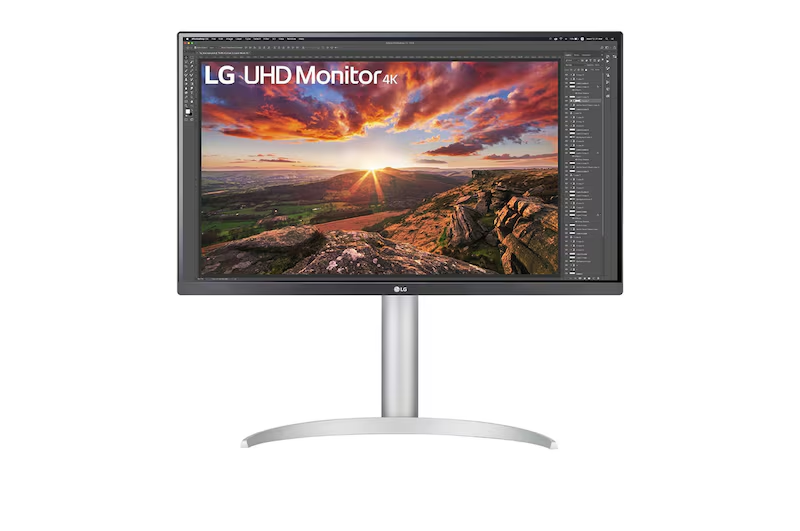
Users who want sharper text, 4K resolution, and a screen that can handle office work, media, and light creative tasks.
The LG 27UP850N-W is the option to check if you want a 27-inch 4K IPS monitor with USB-C and colour-focused features. It is better suited to users who value sharp text, media work, and higher pixel density.
- Sharper than QHD options
- Good for text clarity and media work
- USB-C helps with cleaner laptop setups
- 4K is not necessary for everyone
- May cost more than practical QHD alternatives
What to compare before buying
Start with fit, then features
For home office use, compare resolution, screen size, stand adjustability, USB-C support, warranty, seller reliability, and the real final checkout price. A cheaper listing is not always better if the warranty is unclear or returns are difficult.
Singapore buying notes
Check the platform, seller, and warranty
Amazon.sg, Shopee, and Lazada can all be useful for monitors, but they are not equal for every listing. Check whether the seller is official or authorised, whether the unit has local warranty, whether the item is local stock, and whether returns are realistic for a bulky product.
FAQ
Is a 27-inch monitor good for a Singapore home office?
Yes, a 27-inch monitor is a good starting point for many home offices, especially if you choose QHD resolution and have enough desk depth.
Should I buy QHD or 4K for home office work?
QHD is usually enough for documents, spreadsheets, browser tabs, and video calls. Choose 4K if you care about sharper text, creative work, or MacBook scaling.
Is USB-C worth it on a monitor?
USB-C is useful if your laptop supports display output and charging through USB-C. It can reduce cable clutter, but it is not necessary for every setup.
Should I buy from Amazon.sg, Shopee, or Lazada?
Compare the final checkout price, seller type, warranty terms, delivery, and returns. For expensive monitors, an official store or authorised seller may be worth paying slightly more for.
Final recommendation
The practical choice for most people
For most Singapore home office users, start with a 27-inch QHD monitor from a reliable seller with clear warranty terms. Choose the Dell if you want the strongest all-round office setup, the ASUS if colour accuracy matters, the BenQ if comfort and video calls matter, and the LG if you want a sharper 4K screen.